CICD Pipeline setup using docker in bitbucket
CICD Pipeline setup using docker in bitbucket
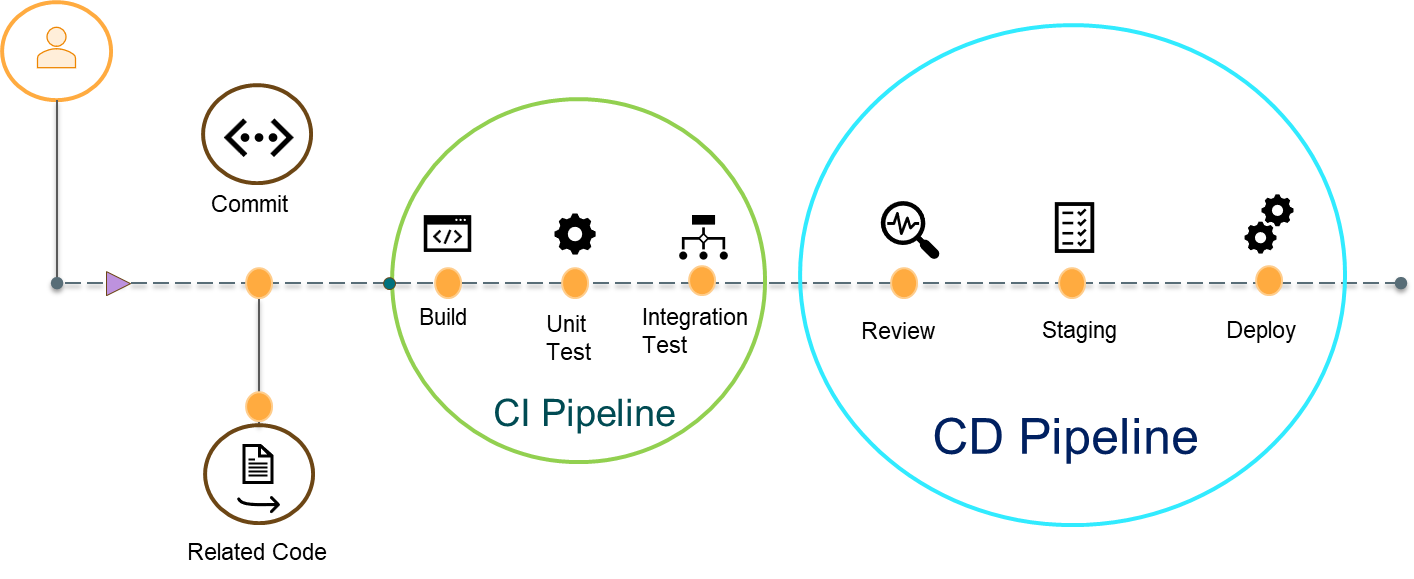
- Stands for Continuous Integration and Continuous Deployment. Since we are moving away from the waterfall model, we have to reduce waiting time and initiate parallel work.
- CI/CD is the solution where developers will no longer wait and can deploy their changes as soon as the code is developed and tested.
- This can help a team automate their development, deployment, and testing.
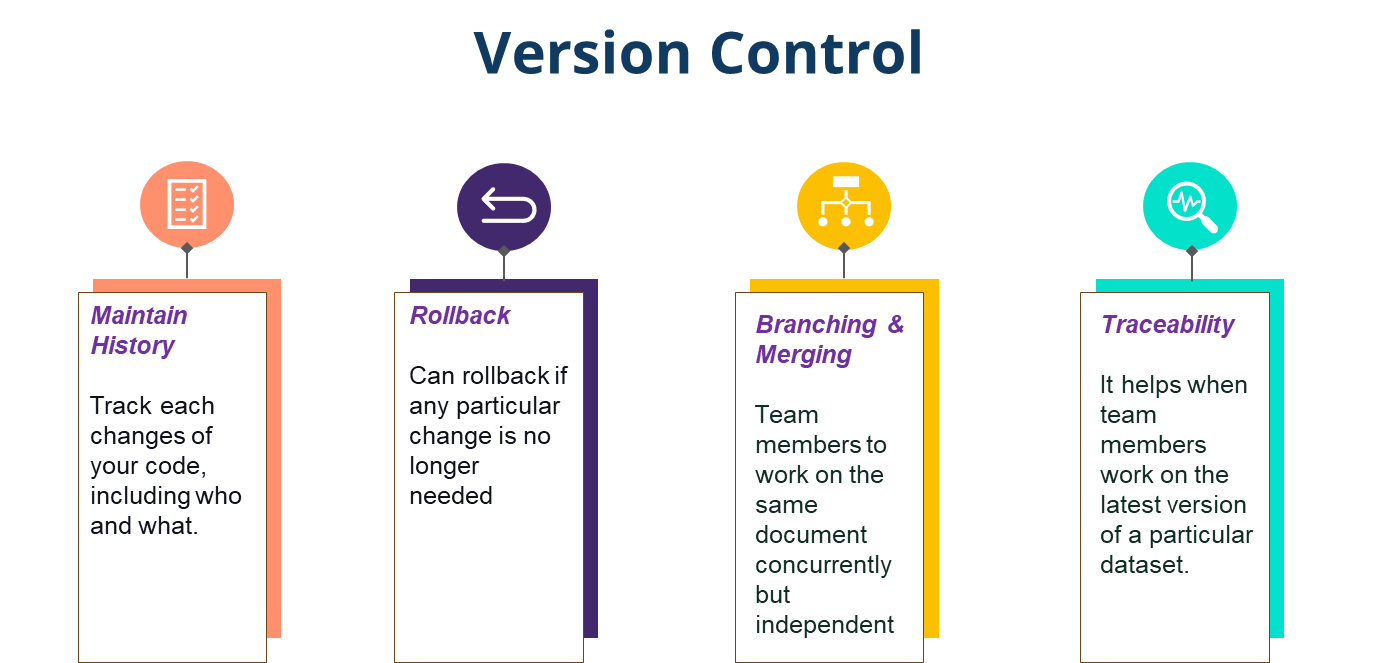
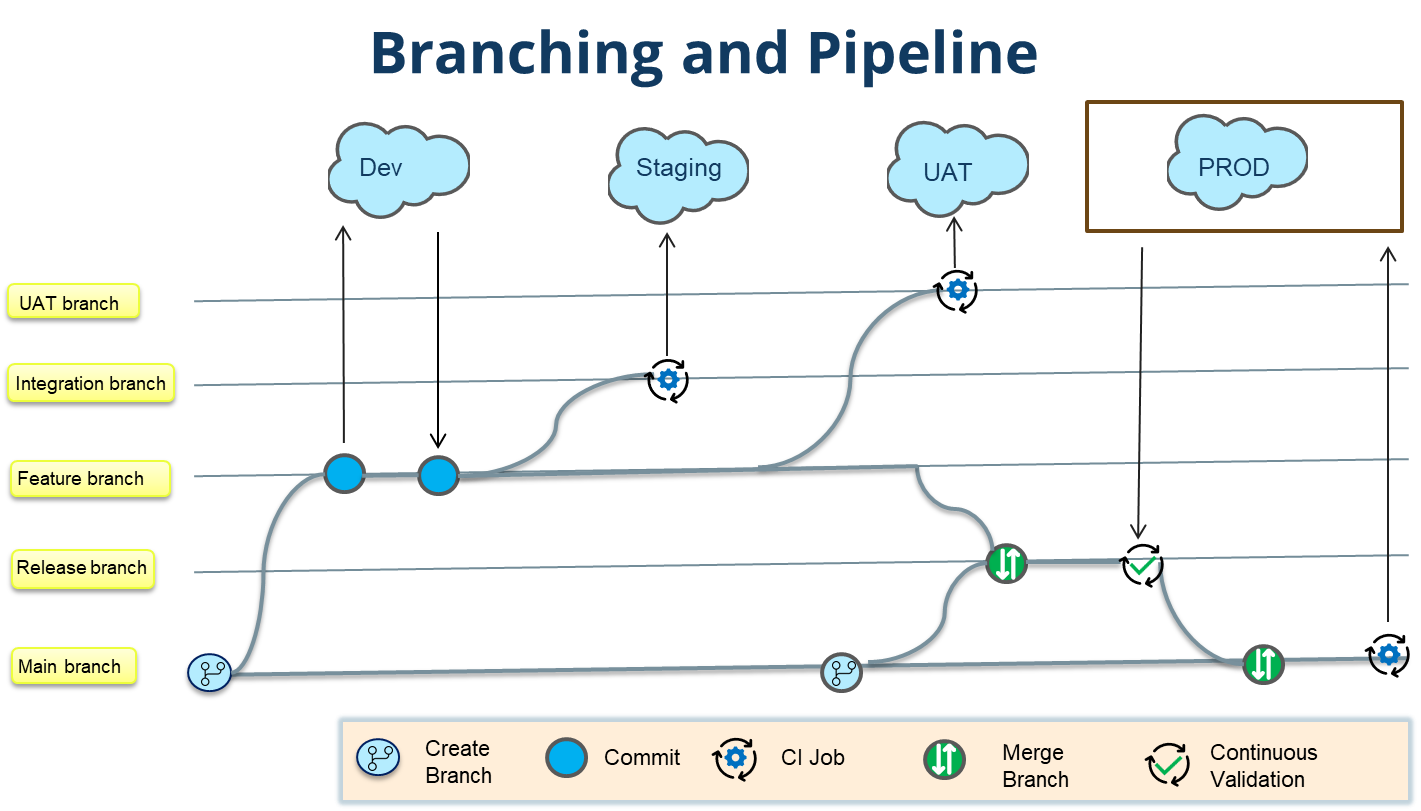
- Branching is a way to arrange the code in a structural way and keep the version of the file the same as what is in your org.
- If the DevOps team deploys each change manually during the sprint, it will be very time-consuming and hectic work for them to pull each developer's changes.
- There will be chances of human error in that case. To resolve such issues, we will set up a pipeline that will automatically deploy the changes to the respective org.
Docker
Docker provide virtual environments similar to our local environment. Whenever we create a pipeline, it
always run on an virtual environment which is defined by a docker image. You can create your own docker
image on creating the docker Account using this Link -
https://hub.docker.com/signup